AI Notes for Learning and Work
Turn lectures, meetings, PDFs and videos into clear notes you can study from, with summaries, flashcards, quizzes and AI Chat in one place.
- Capture via text, voice, audio, PDFs, links, and images
- AI turns long content into structured notes and summaries
- Infographics, mind maps, flashcards, quizzes, and AI Chat
2 free AI notes · No credit card · Notes in about 30 seconds
- Note
- Infographic
- Flashcards
- Quiz
- Mind Map
- Podcast
- Transcript
Active Recall: Why Retrieval Beats Re-reading
Recall means producing information from memory without prompts. It feels harder than recognition, and that difficulty is what makes it work.
"That discomfort is the signal that learning is actually happening."
Key takeaways
- One round of retrieval: about 56% retained after a week
- Re-reading twice: about 40% retained
What is the difference between recognition and recall?
Card 3 of 12In Roediger and Karpicke (2006), how much did students who took one recall test retain a week later?
About 56%Capturing it was the easy part
NoteLyn does the write-up, in about 30 seconds on average.
An hour-long lecture
The usual way: Replay the recording and type up notes yourself
With NoteLyn: Structured notes with the key points, plus flashcards and a quiz to review
A team meeting
The usual way: Write the minutes and try to remember who owes what
With NoteLyn: Minutes with the key points and action items, next to the full transcript
A 40-page PDF
The usual way: Read, highlight and summarize it by hand
With NoteLyn: A clear summary you can ask questions about with AI Chat
A YouTube video
The usual way: Pause, rewind and copy down what matters
With NoteLyn: A transcript and organized notes from just the link
What it does
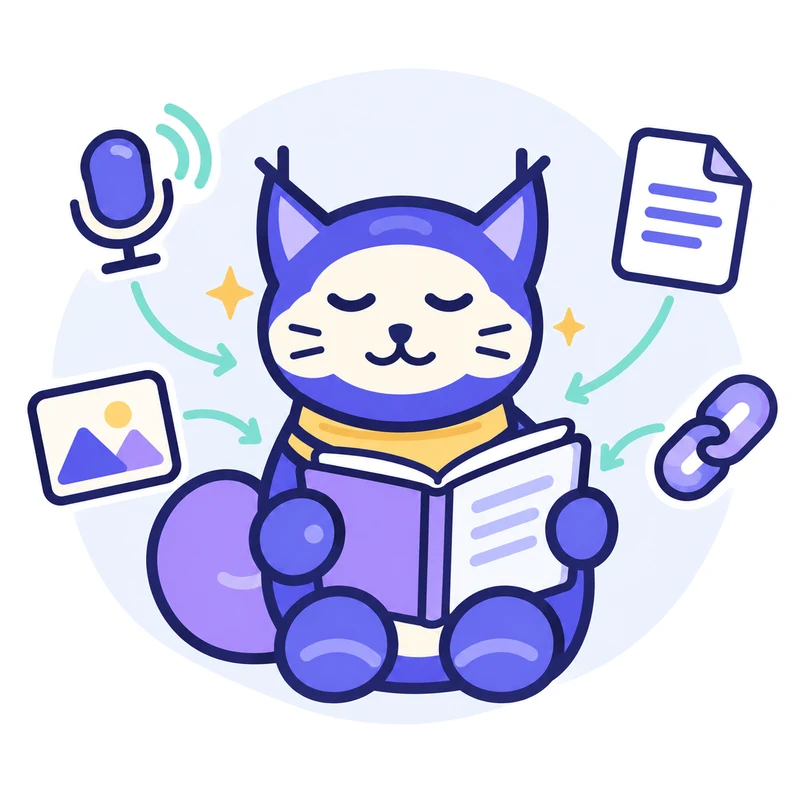
Capture from anywhere
Add text, record voice, upload audio, import PDFs, links, and images. No templates—just bring what you have.
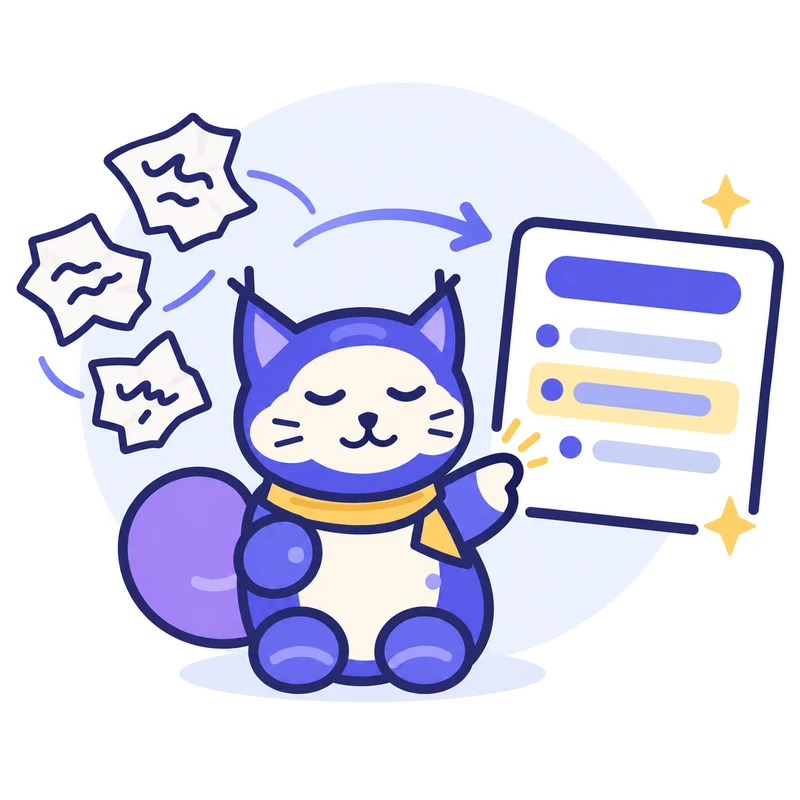
Auto‑structure and summarize
Clear notes with headings, key points, definitions, and takeaways.

Review and act
Summaries, flashcards, quick quizzes, mind maps, and podcasts.
Why it matters
ways to capture: record, upload audio, PDFs and Word files, photos, links and text
study formats in every note, from flashcards and quizzes to a mind map and a podcast
platforms on one account: the web app, iOS and Android
Great for your daily work and study
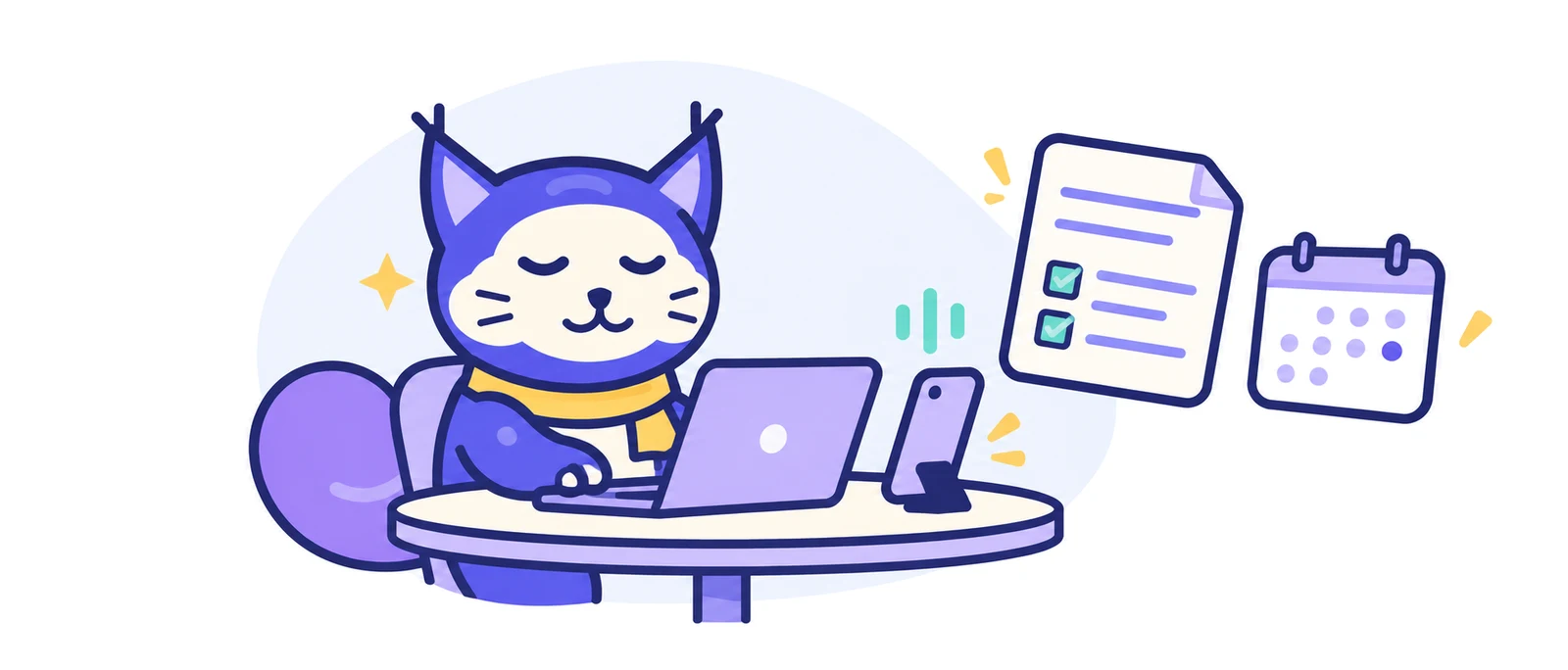
Meetings: From recording to decisions
- High‑quality recording with a full transcript
- AI summary of the key points and takeaways
- Turn next steps into a to‑do list in the editor
- Share the minutes with one link
Lectures: Focus on understanding
- Record audio or import slides (PDF)
- Structured notes with key concepts and highlights
- Flashcards and quizzes to test yourself
- AI Q&A for quick clarification
Try it on your next class or meeting
Start free in your browser with 2 free AI notes. No credit card needed.
Bring your content
Everything you add becomes searchable and usable.
Do more with your notes
From understanding to execution, all in one place.
Try it on a sample note
One lecture, five ways to study it. Switch tabs to see the note, flashcards, quiz, mind map, and AI Chat.
Active Recall Studying
Active recall is deliberately retrieving information from memory instead of passively reviewing it: closing your notes and writing what you remember, or answering practice questions before checking.
Recognition vs. recall
Recognition is reading a summary and thinking "yes, I remember that." Recall is producing the information from a blank page. Recall is harder, and that is why it works.
"The act of retrieval is what builds durable knowledge."
Five techniques
- The blank page method
- Flashcards with honest tracking
- Practice tests before you feel ready
See it in action
Share and collaborate
- Share minutes and summaries with a link
- Anyone with the link can view it, no sign‑in needed
- Download infographics and mind maps as images
- Shared notes come with their flashcards and quizzes
What users say
“best app ever. it generates your 200 pages into a good and memorable 60 pages. if you are a student, you have to get this app”
“everything I need in a note taking app!!”
“the best notes app! every student needs this!”
“AMAZING LITERALLY SO FUN TO STUDY WITH”
“Really great app to make notes, just don't over use it.”
See what NoteLyn makes from your own notes
Start free in your browser with 2 free AI notes. No credit card needed.
Helpful guides
Popular articles from the NoteLyn blog.
- Best Free AI Note-Taking App in 2026: What to Use FirstWhat to look for in a free AI note-taker, and which apps are worth trying first.
- The Best NotebookLM Alternative in 2026How NoteLyn and other tools compare with NotebookLM for studying your own material.
- Lecture to Notes AI: Record, Summarize, and Study FasterRecord a lecture, get a summary and turn it into study material.
- AI Meeting Minutes Generator: How to Automate Your Post-Meeting DocumentationAutomate the minutes and follow-ups after every meeting.
- How to Take Notes in College: A Complete Guide for New StudentsNote-taking methods that work in college classes, with examples.
- Best Mindgrasp AI Free Alternative for Students in 2026Free options for students comparing Mindgrasp with other AI study tools.
Use it anywhere
One account, the same notes, on your computer and your phone.
In your browser
Open the web app on any computer, with nothing to download. It's the easiest way to upload PDFs and links and to study on a big screen.
On your phone
Record lectures and meetings with the iOS or Android app, and watch the live transcript while you record.
Synced everywhere
Notebooks, favorites and the study materials you generate appear on every device you sign in to.
Recordings you don't lose
If a recording is interrupted, it stays saved on your device so you can still turn it into a note later.
Free to start
Try NoteLyn without a card, and upgrade only when you need more.
Start free, no card needed
New accounts include 2 free AI notes, so you can see what NoteLyn makes from your own content before paying anything.
Pro for unlimited notes
Pro removes the note limit and comes with a 7-day free trial. Several plans are available.
Credits for podcasts
Podcasts are a Pro feature. Episodes use credits based on their length, and you're charged only if the episode is generated successfully.
One account everywhere
Your plan, notes and notebooks come with you across the web app, iOS and Android.
Don't just take our word for it
Ask an AI assistant about NoteLyn: what it's good at, where it falls short, and who it's for.
“What is NoteLyn (notelyn.com), the AI note-taking app? What is it good at, where does it fall short, and who is it best for?”
Frequently asked questions
Is NoteLyn for students or professionals?
Both. It works great for lectures and meetings — anywhere you need clear notes, summaries or action items.
What content can I add?
Type text, record voice, upload audio, import PDFs, add web links or scan images with OCR.
Do I need internet?
Yes. Creating notes and AI processing need an internet connection. If a recording is interrupted, it stays saved on your device so you can still turn it into a note.
Can I export notes?
You can share any note, including minutes and summaries, with a link, and download infographics and mind maps as images. Exporting notes as files isn't available yet.
How does privacy work?
Your notes stay yours. You can delete your account to remove all data. See our Privacy Policy for details.
Which languages are supported?
OCR and transcription support multiple languages. Contact support for specific needs.
Is my data used to train models?
No, your content is never used to train third‑party models. See our Privacy Policy.
How accurate are transcripts and summaries?
We aim for high accuracy, but results vary by input quality. You can quickly edit and regenerate.
Is NoteLyn free?
You can start for free. New accounts include 2 free AI notes, with no card required. Pro removes the note limit and comes with a 7-day free trial. Podcasts are a Pro feature and use credits, which are charged only when an episode is generated successfully.
Can I use NoteLyn on my computer?
Yes. The NoteLyn web app runs in a modern browser on Windows, macOS or Linux, with nothing to download. Sign in with the same account you use on iOS or Android and your notes are already there.
What can I share, and does the other person need an account?
You can share any note with a link. People who open it don't need an account: they see a read-only copy, including its flashcards and quizzes. Infographics and mind maps can also be downloaded as images.
What makes NoteLyn different?
NoteLyn starts from what you capture. Record a lecture or meeting in the mobile app or your browser, upload audio or a PDF, snap photos or paste a link, and each one becomes a structured note with its original source kept alongside. From that note you can study with flashcards and a quiz, ask AI Chat about it, or share it with one link.
Privacy and trust
- Your notes stay yours
- Delete account = delete all data
- See details in Privacy Policy
Ready to capture and learn better?
Start free in your browser, or scan the code to get the app.
